INJURED
Expo React NativeEnd-to-end athlete recovery platform with AI MRI analysis, real-time provider collaboration, and multilingual support across mobile.
Problem & Context
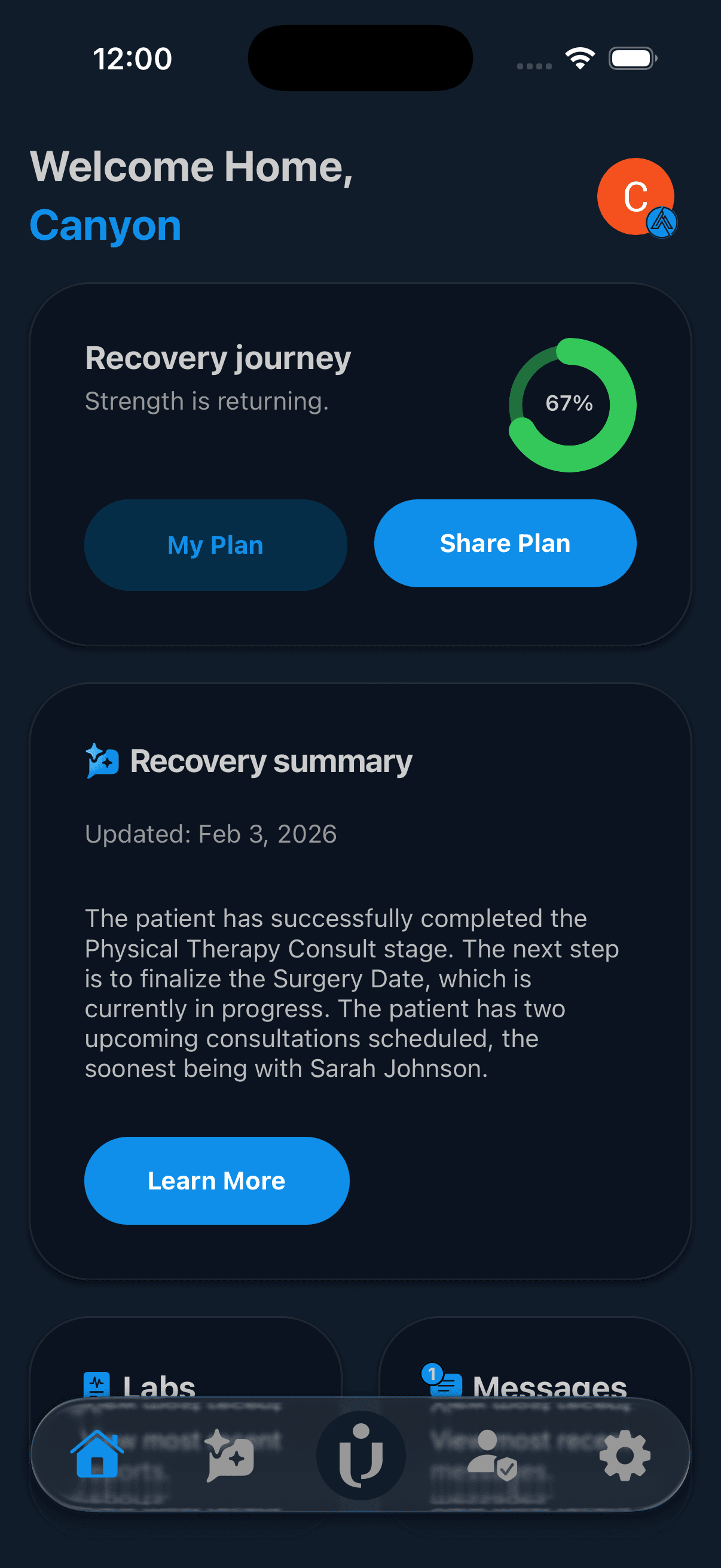
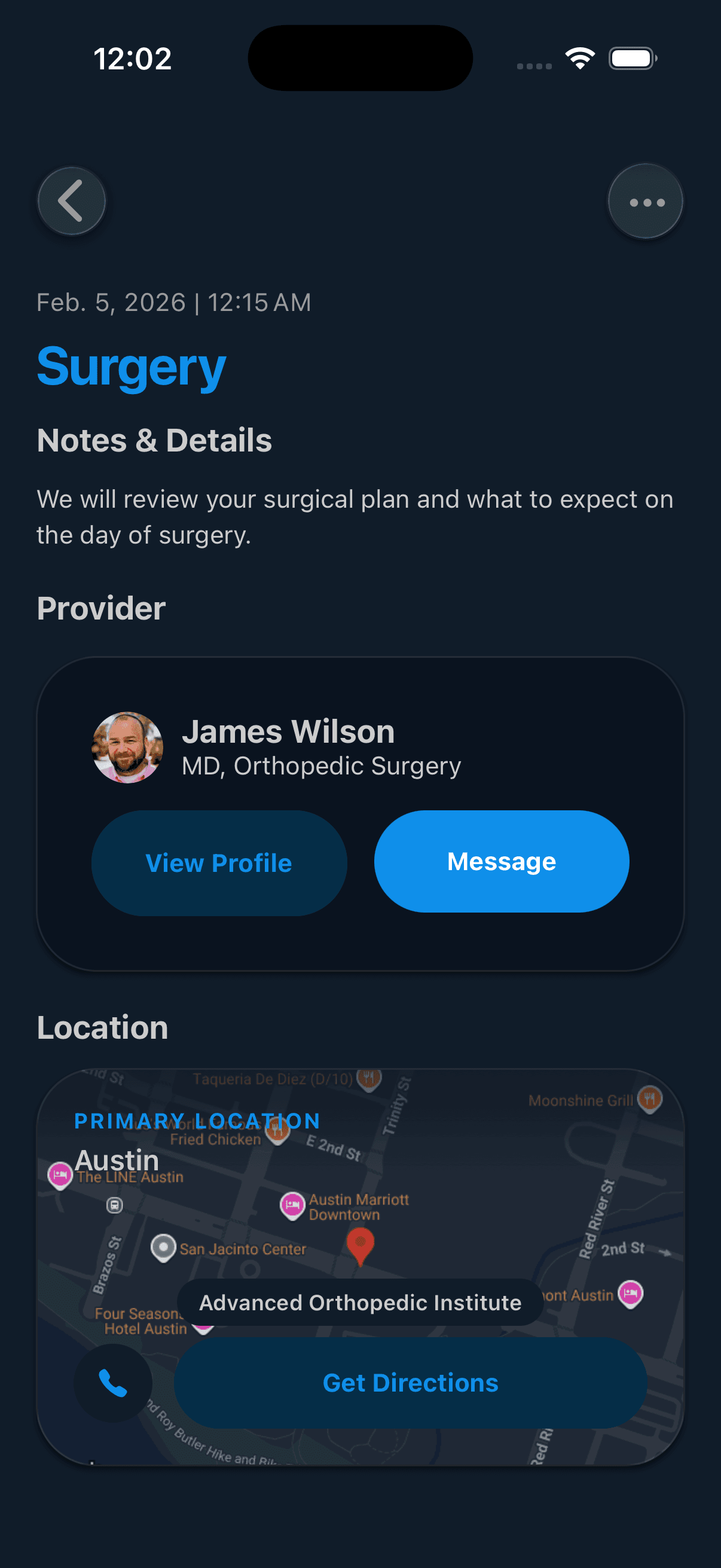
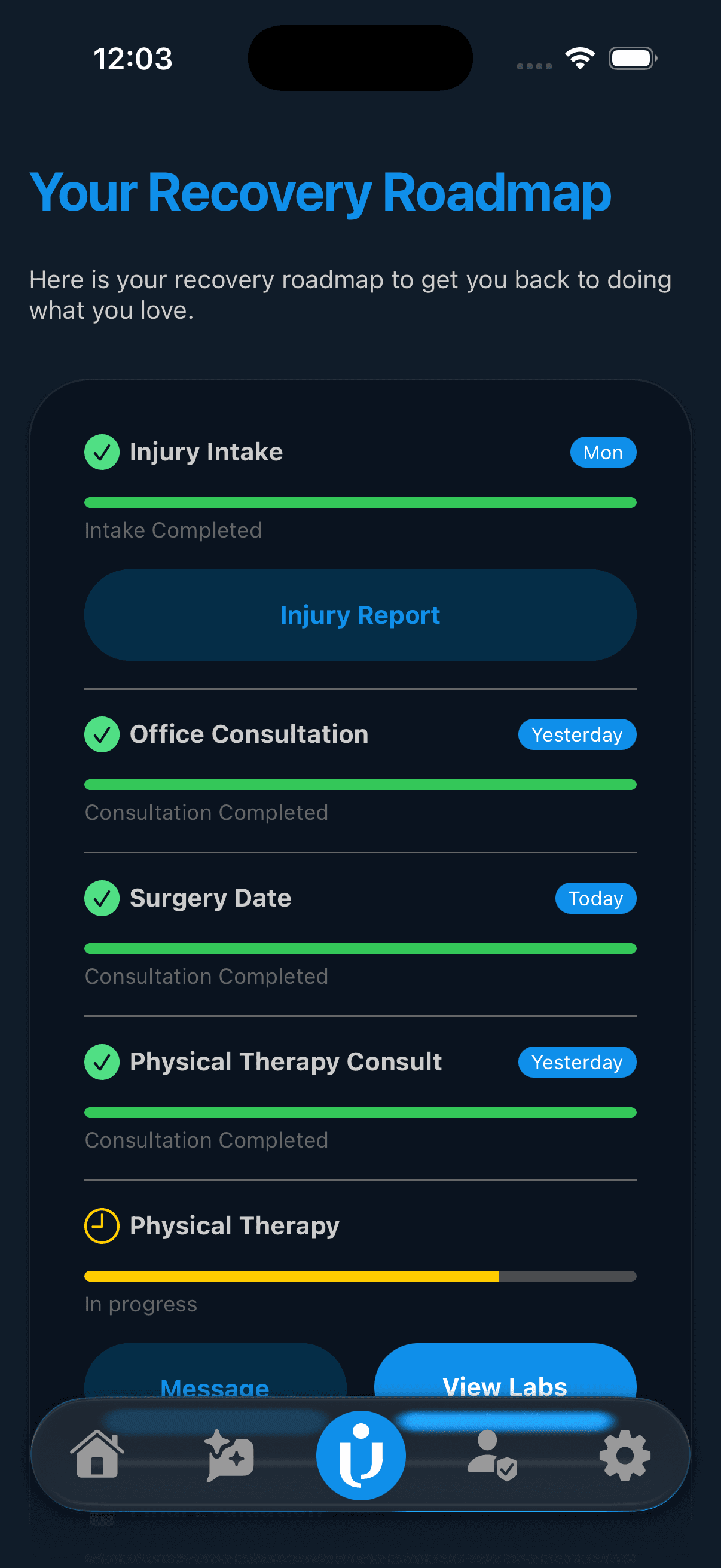
Built a mobile-first recovery platform that centralizes injury tracking, provider communication, and MRI report analysis for athletes and care teams. The system replaces fragmented workflows with real-time data, automated insights, and guided recovery plans.
INJURED consolidates injury tracking, provider communication, and AI-powered recovery guidance into a single mobile experience. The app uses custom AI tools to parse MRI reports, extract structured injury data, and generate personalized recovery plans.
Architecture
Expo Router handles navigation, Clerk handles authentication, and Convex powers real-time state. OpenRouter enables custom AI tools and workflows, including MRI report analysis and recovery guidance.
Core Features
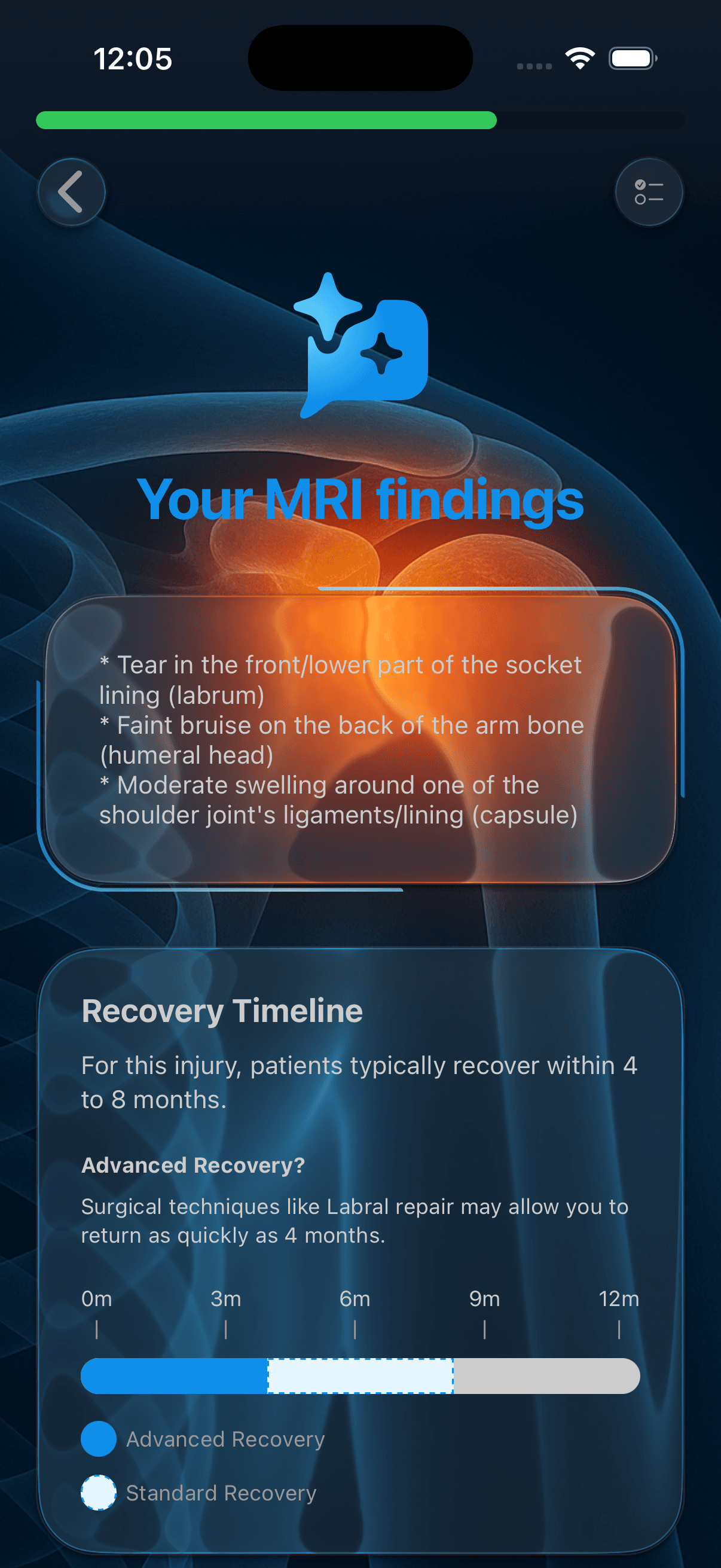
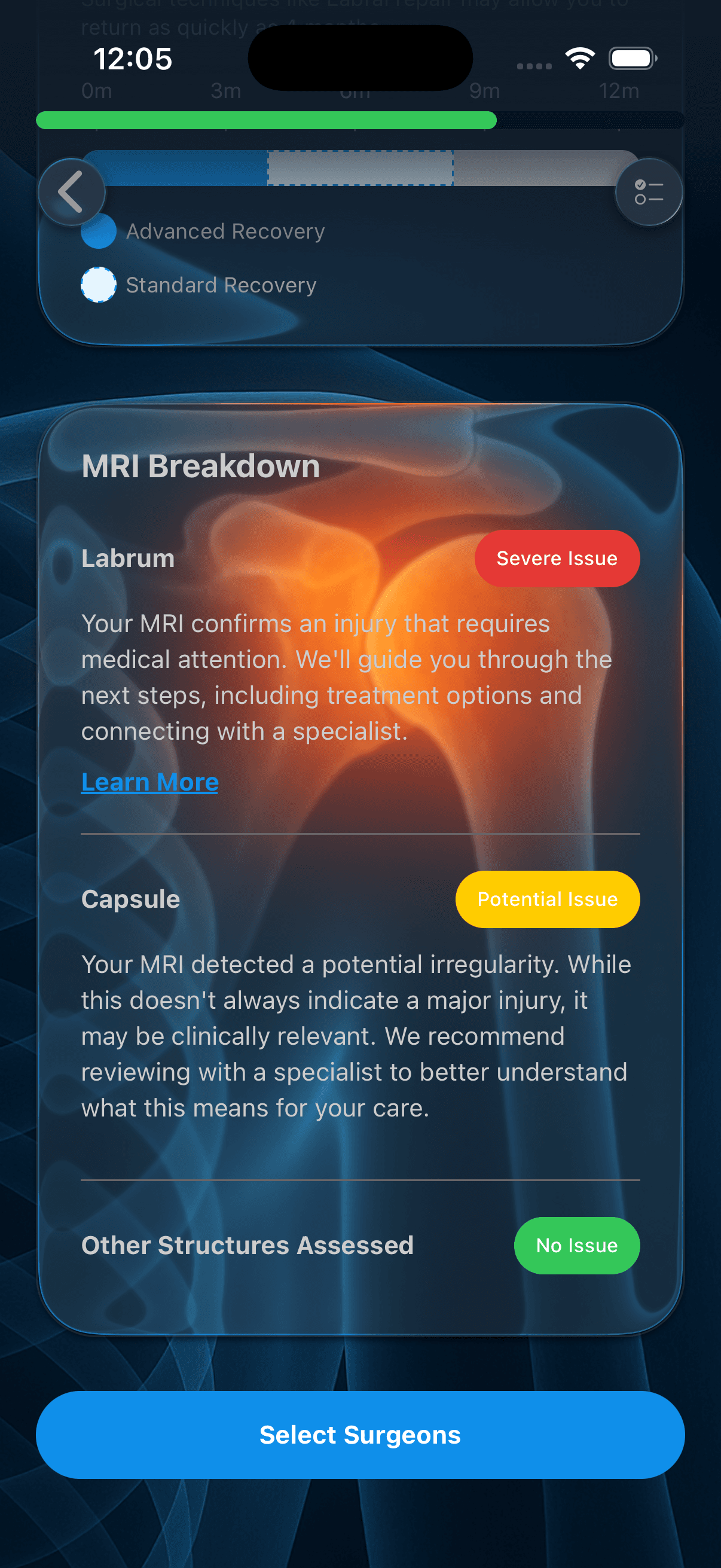
- AI MRI Report Analysis — Custom AI pipeline parses radiology reports into structured insights. Extracts injury details, severity classifications, and generates personalized recovery recommendations.
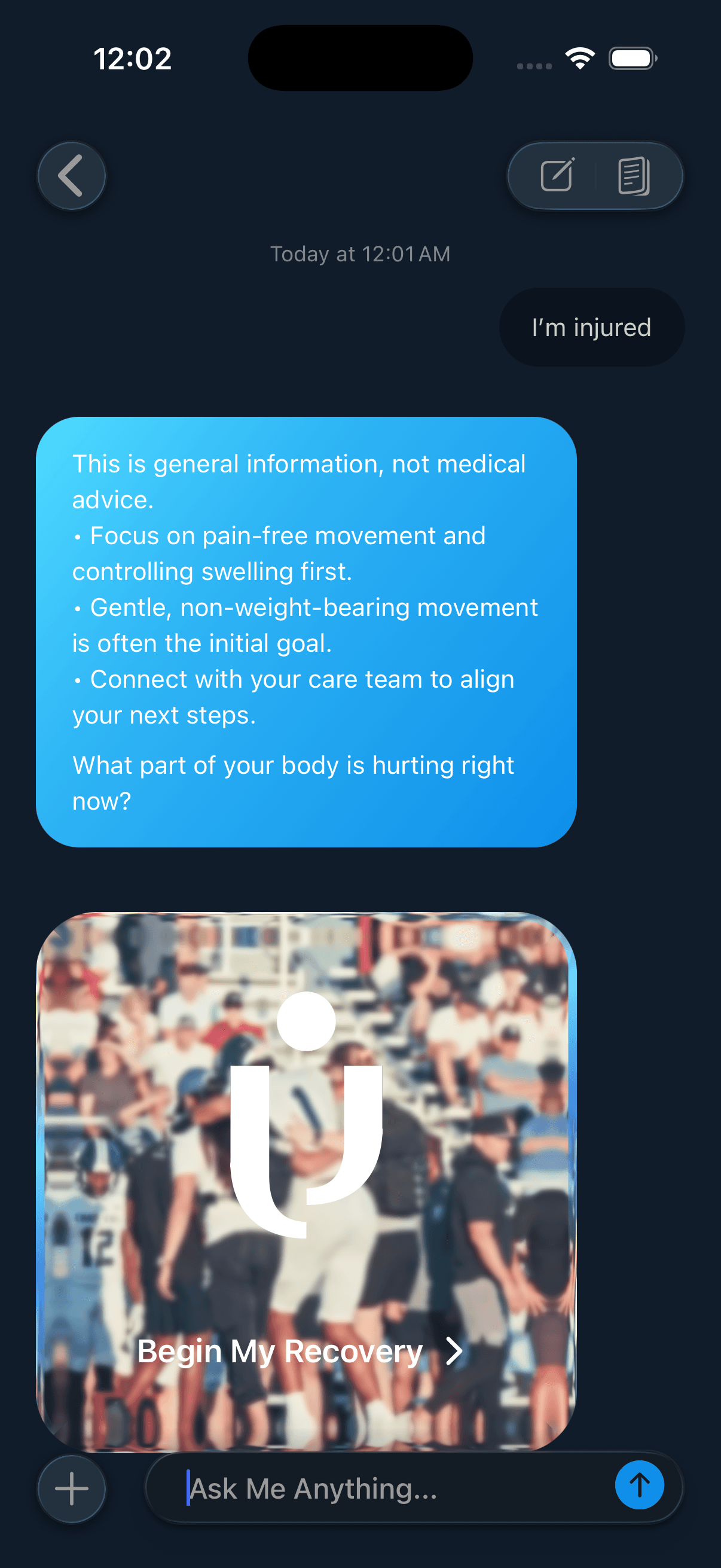
- Custom AI Tools — OpenRouter integration enables custom AI workflows and automation. Real-time streaming responses for injury analysis, recovery guidance, and patient-provider communication.
- Real-time Sync — Convex provides instant data synchronization across devices. Injury updates, messages, and recovery progress sync in real-time without polling.
- Multi-language Support — Type-safe i18n system supporting English, Spanish, and Chinese. Fallback handling ensures graceful degradation for missing translations.
AI Capabilities
Custom AI tools built with OpenRouter handle MRI report parsing, injury analysis, and recovery planning. The system uses structured output modes and multi-stage pipelines for reliable, accurate results.
AI Features
- MRI report parsing and structured extraction
- Injury severity classification
- Recovery timeline generation
- Personalized exercise recommendations
- Real-time AI chat assistance
- Automated appointment reminders
Key Decisions
Custom AI pipeline for MRI analysis
Built a multi-stage AI pipeline using OpenRouter to parse radiology reports. First extracts structured entities (injuries, locations, severity), then classifies overall injury status, and finally generates recovery guidance. Each stage uses JSON mode for reliable parsing.
Tradeoff: More API calls and higher latency, but dramatically better accuracy than single-prompt approaches and easier to debug individual stages.
OpenRouter for flexible AI tooling
Chose OpenRouter over direct OpenAI SDK for access to multiple models and custom tool definitions. Enables switching models per use case and building specialized AI workflows without vendor lock-in.
Tradeoff: Additional abstraction layer, but provides flexibility to optimize costs and performance across different AI tasks.
Convex for real-time state
Chose Convex over traditional REST APIs for its built-in real-time subscriptions. Injury tracking requires instant updates when providers add notes or recovery plans change.
Tradeoff: Vendor dependency and learning curve, but eliminates WebSocket boilerplate and provides optimistic updates out of the box.
Type-safe i18n architecture
Custom translation system with enum-based keys and TypeScript inference. Compile-time errors catch missing translations before runtime.
Tradeoff: More boilerplate than string-based systems, but prevents translation bugs and improves developer experience.
Screenshots